
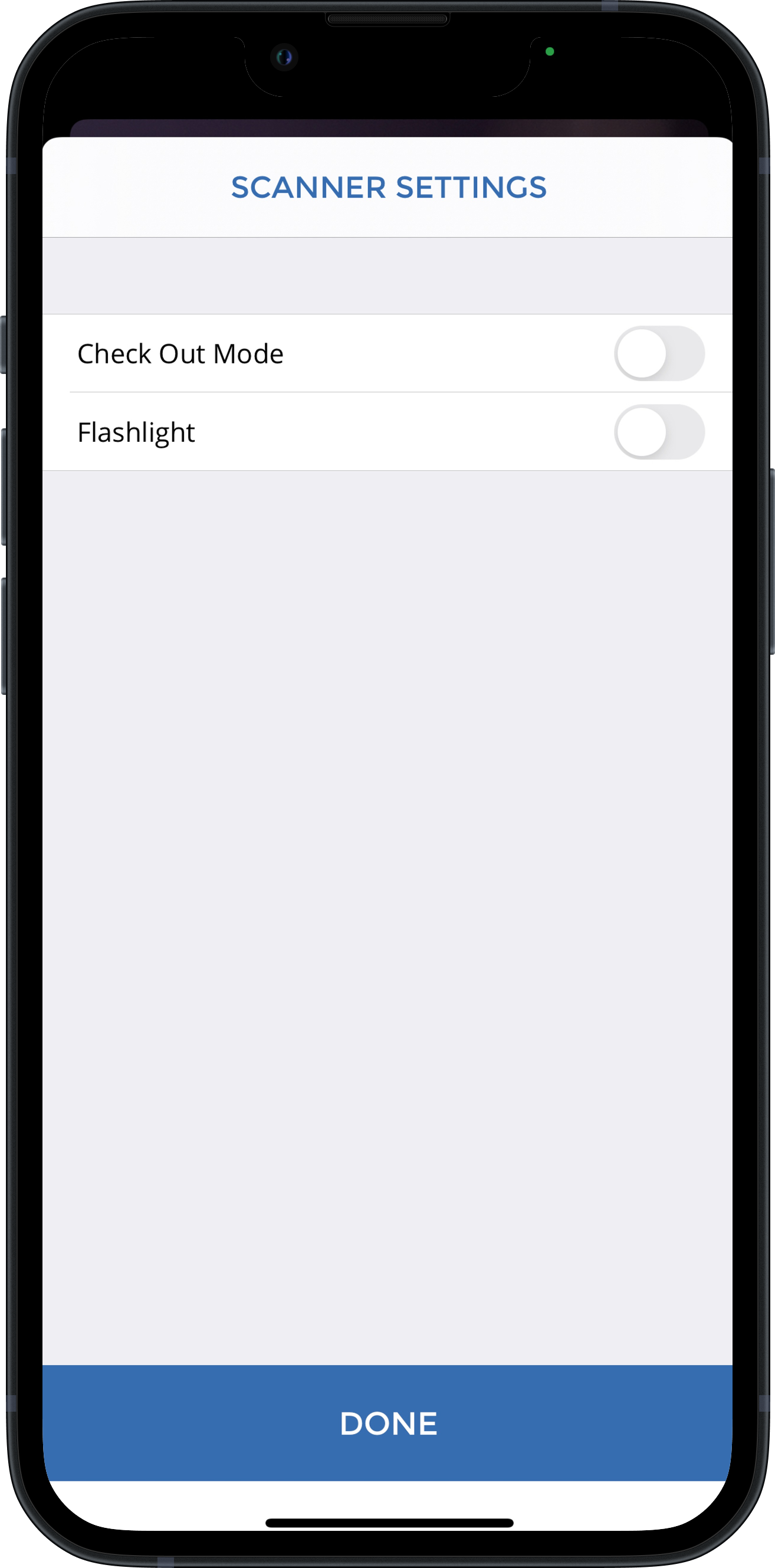
From the main scanning screen, tap the gear icon to access Scanner Settings. This menu allows you to adjust basic settings on the fly quickly.
- Checkout Mode - Turned off by default, this setting will make the device check tickets OUT rather than IN.
- Flashlight - (Supported iOS devices only) - Turned off by default. This setting activates the flashlight, which assists the camera scanner in low-light settings.
-
Camera Mode - (iOS with Linea device only) This setting will force the scanner to use the camera instead of the Linea Pro attachment
⚠️ Linea Pro is a legacy device, and support is limited.
Refer to: Axess Settings